

How to change the phone number that is displayed for outgoing calls?
Changing the displayed phone number allows you to, for example, show your office extension number (DDI) from the home office. In our help center you will find a list of other areas of application in work and everyday life.
Instructions
To make the settings for phone numbers, please follow the steps below:
1. Go to the customer portal
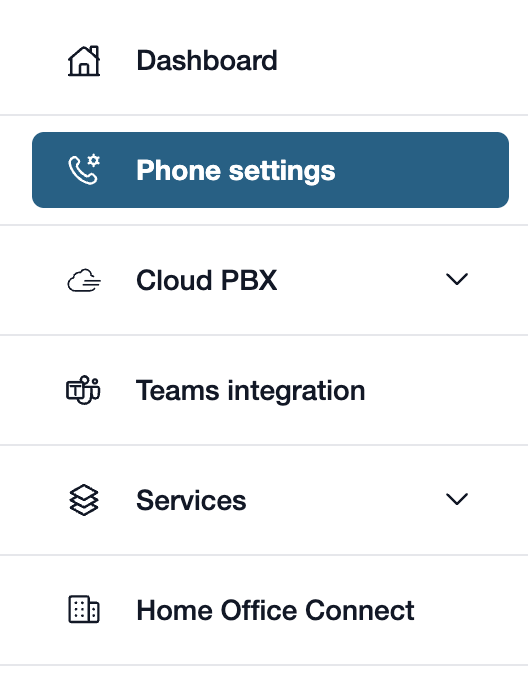
First, please go to my.easybell.
There, please click on “Telephone line” in the left-hand menu bar.
Alternatively, you can also click on “Manage Phone Numbers” directly in the my.easybell dashboard.
2. View details
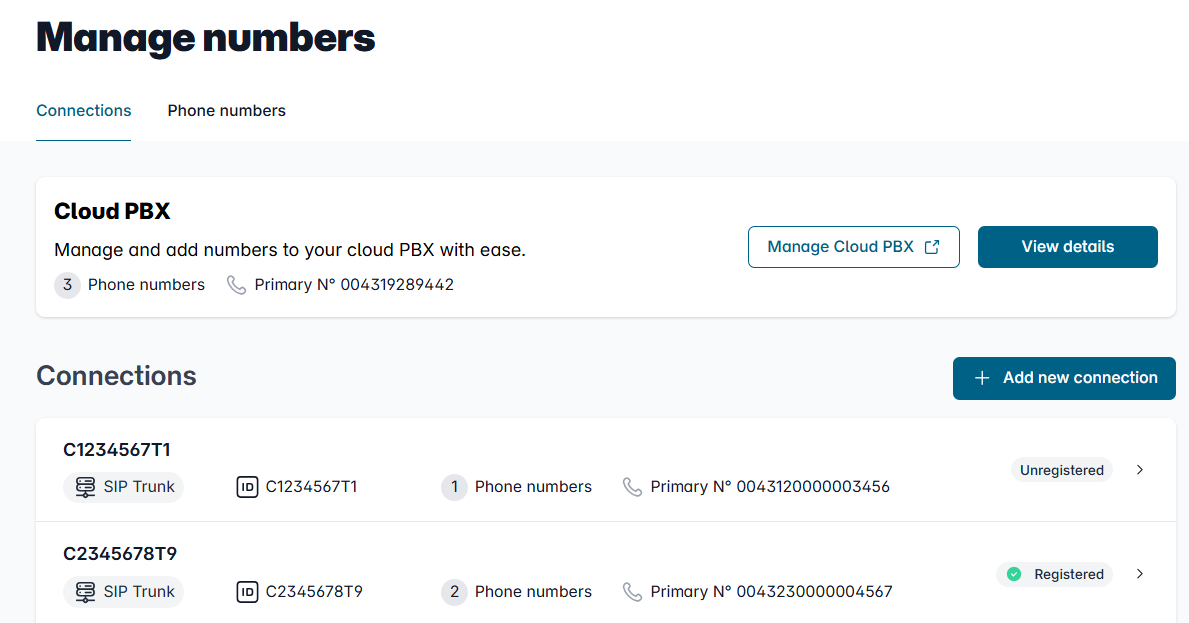
In the Overview of connections, please click on the connection whose settings you want to adjust.
3. Open the configuration

In the details view, you will see an overview of the settings.
Please scroll to the "Configuration" section and click the "Change" button to the right of it.
4. Edit calling line identification
Please scroll down to the section ‘Caller ID (CLIP)’. Our home connections offer the following options:
Display a specific Caller ID
By default, the original phone number is selected here.
Alternatively, you can activate the option "Phone Number" and enter a different phone number. Please be sure to observe the legal information that is displayed!
Suppress phone number
With this selection, calls are made anonymously. No phone number is transmitted.
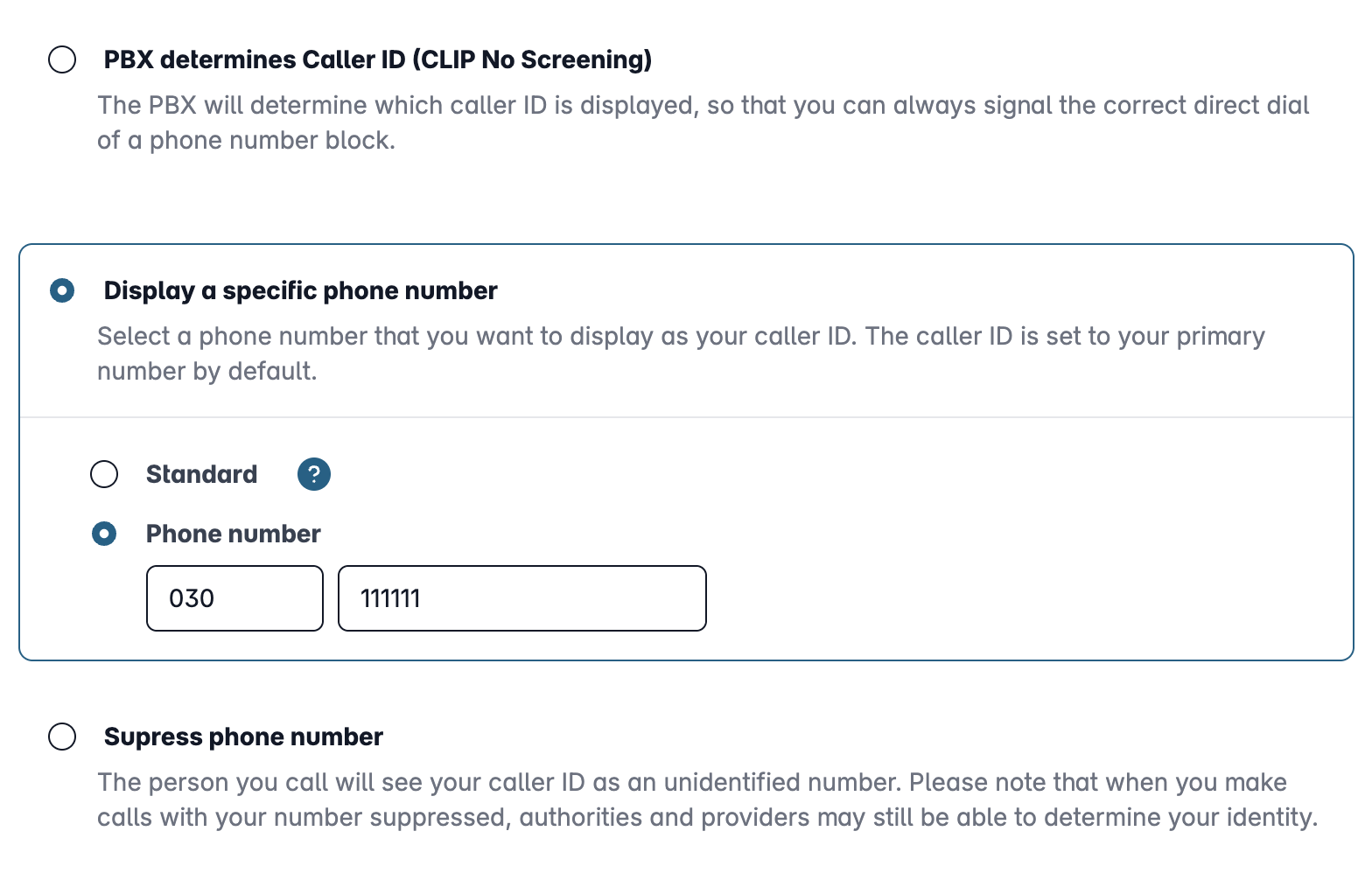
CLIP no screening for telephone systems
For SIP trunks for business customers, the option “Device-dependent caller ID display (CLIP no screening)” is also available. With CLIP no screening, the telephone system determines which information is transmitted during calls.
Find out more in our guide “Configuring CLIP no screening correctly”.
Changed in original translation
5. Confirm settings
Finally, please click on "Apply" so that the settings become valid.
For the "Number" option, you must first confirm that you have read and accept the legal information.
Notices
- You may only transmit phone numbers to which you have a right of use.
- Phone numbers which are prohibited by the Federal Network Agency or the Austrian regulatory authority are blocked. These include, for example, special numbers, value-added services and emergency numbers.
- Your own easybell phone number is displayed on higher-value devices as additional information. This means that they remain clearly identifiable for the police, call centres and emergency services, for example.